Blog
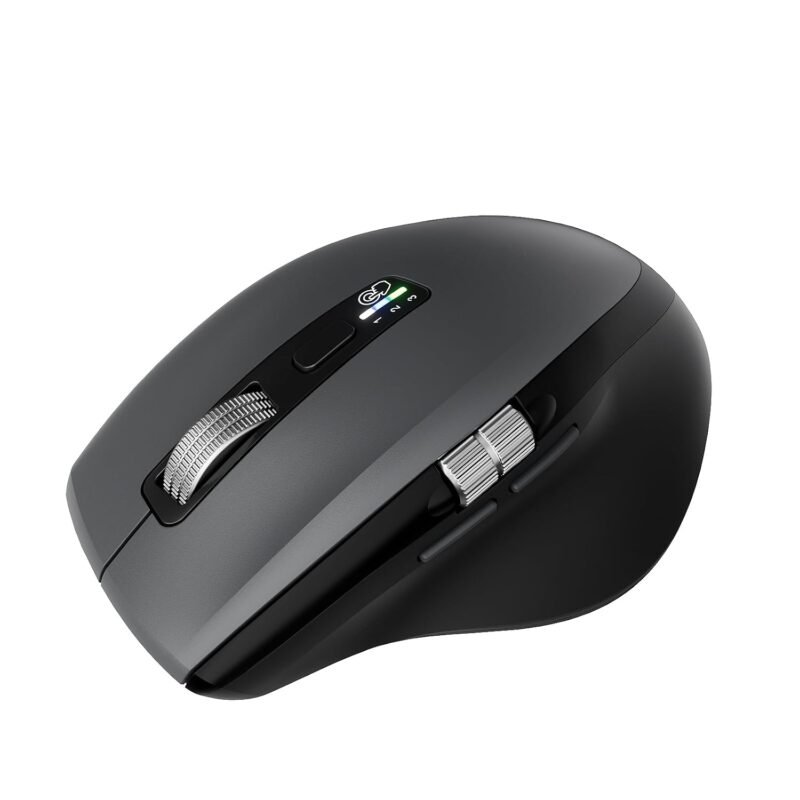
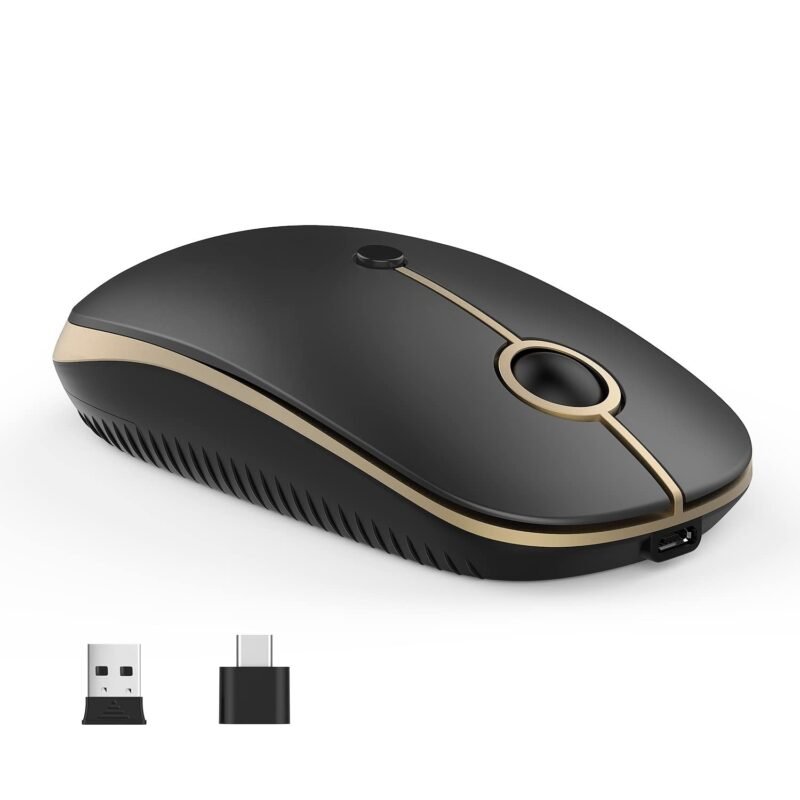
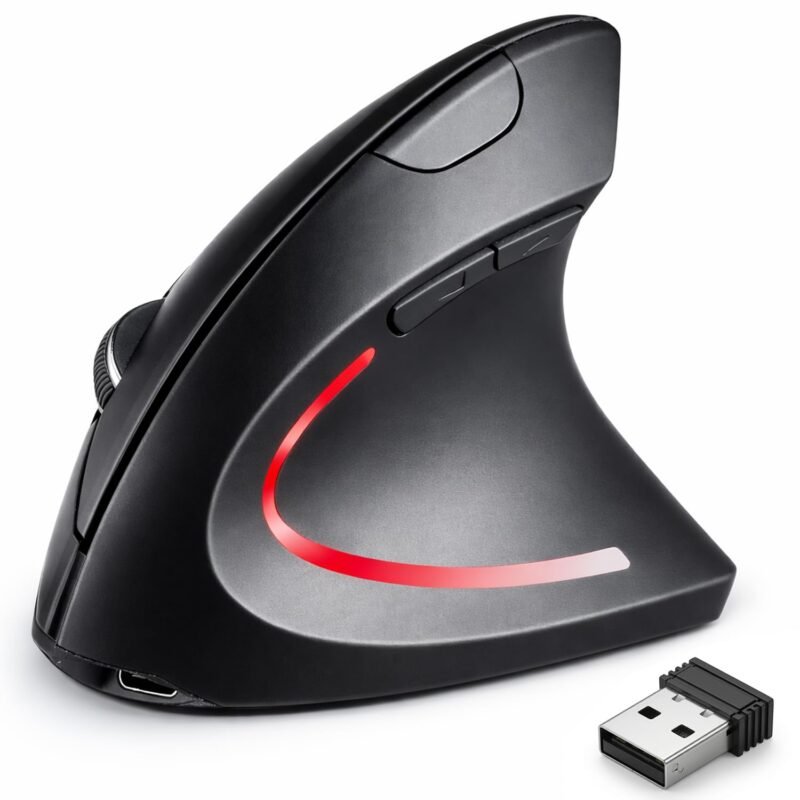
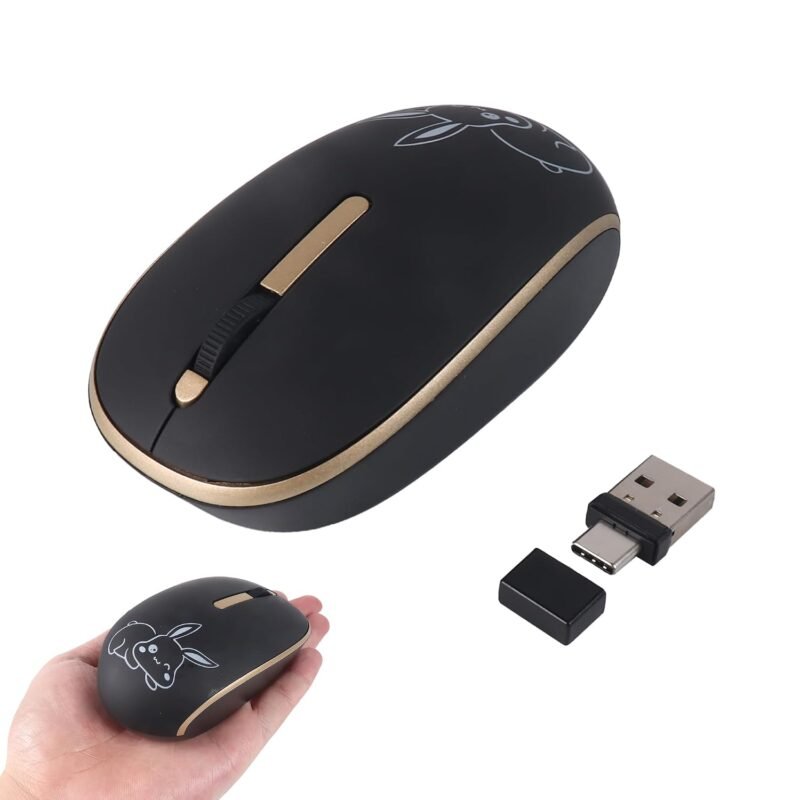
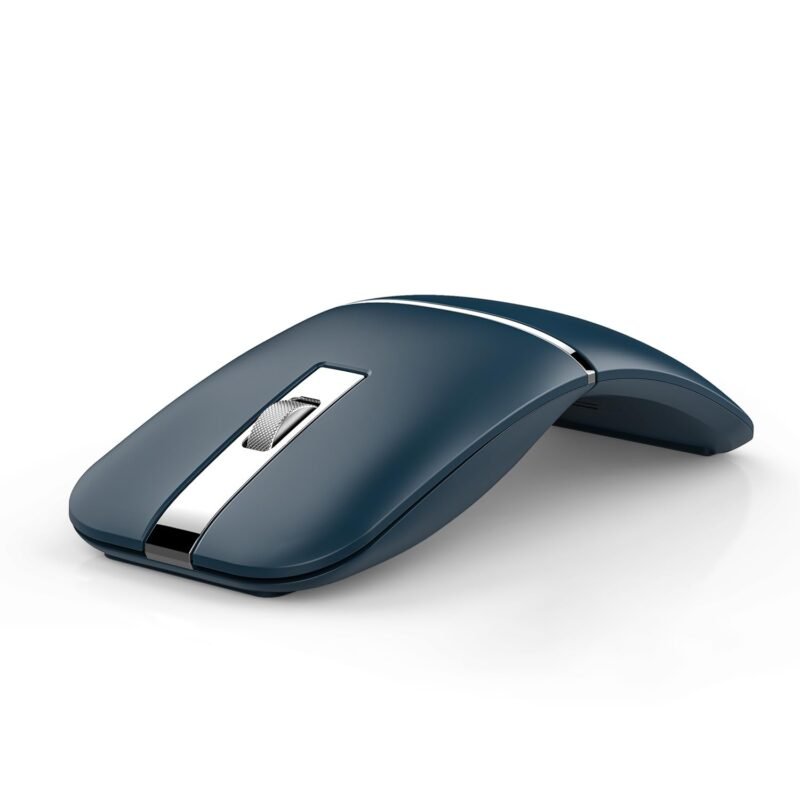
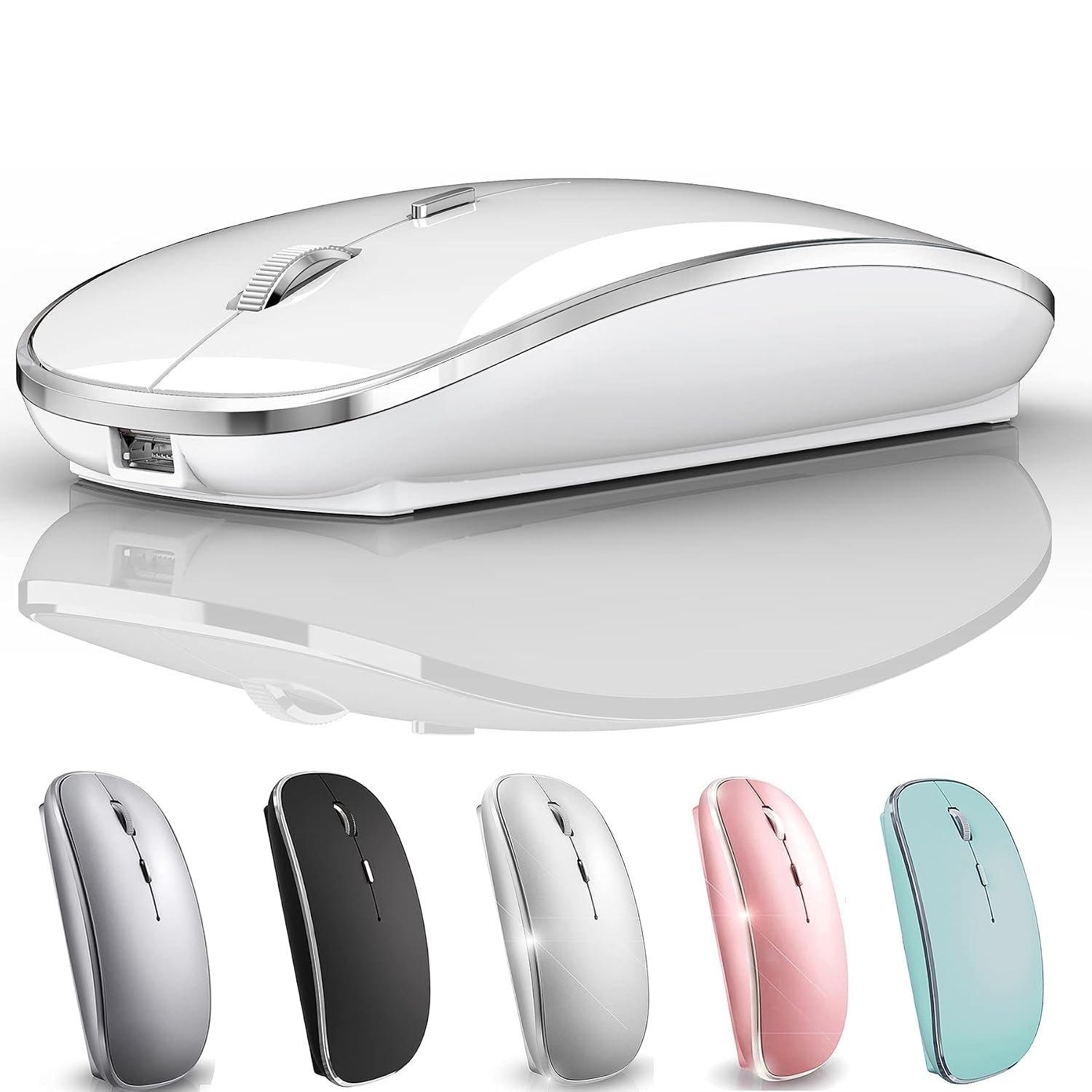
Wireless Bluetooth Mouse for Mac MacBook Pro MacBook Air Laptop iMac iPad/Pro/Air Chromebook PC Win8/10 HP DELL (White 2)



Price: ₹10,708.40 - ₹3,334.00
(as of Oct 17, 2026 15:56:42 UTC – Details)
MacBook laptop Bluetooth connection steps Mac Setting > Bluetooth > ‘(Turn on the mouse switch, hold down the button at the bottom of the mouse and hold for 3 seconds )’ > then your computer displays the search to “Bluetooth 5.1 mouse” > connect This method does not apply to the iPad. Read on for the iPad connection method OS13/iOS14 iPad/ iPad pro/ iPad Air/ mini /iphone connection method Open iPad settings > Accessibility > Touch > AssistiveTouch > Devices > (Open the mouse switch and long press the black button at the bottom of the mouse for 3 5 seconds.) > Bluetooth Devices > Bluetooth 5.1 Mouse > PIN: 0000 >Pair Windows 7/8/10 / XP/ ChromeOS / series notebook computer instructions: computer Settings > open add bluetooth bluetooth bluetooth devices > open open bluetooth when computer display is looking for a nearby bluetooth devices > Turn on the mouse switch,Hold down the small button at the bottom of the mouse for 3 seconds ”> and then your computer display the search bluetooth 5.1 mouse > connect How to Charge Wireless Mouse 1 This is a rechargeable mouse. It doesn’t require you to buy any other batteries. It already has a built in lithium battery. It can be charged like a mobile phone. There is a USB charging line in the box. please please keep the mouse power switch in ON position when charging . 2 When the pointer of your mouse does not move or cannot be used, or suddenly disconnects continuously in use, you need to charge it for about 3 hours. Please use the USB port of your computer to charge it, or use an adapter with an output of no more than 5v to charge it 3 If you do not use the mouse for eight minutes, it will go to sleeping mode, you can press the any button to weak it up. Packaging list: instruction 1, rechargeable Bluetooth mouse 1, USB Charging line 1
Rechargeable
Wireless