Blog
SABLUTE Mouse for MacBook, Bluetooth Wireless Mouse for Laptop & iPad






Price: ₹7,014 - ₹3,647.00
(as of Oct 09, 2026 06:47:00 UTC – Details)
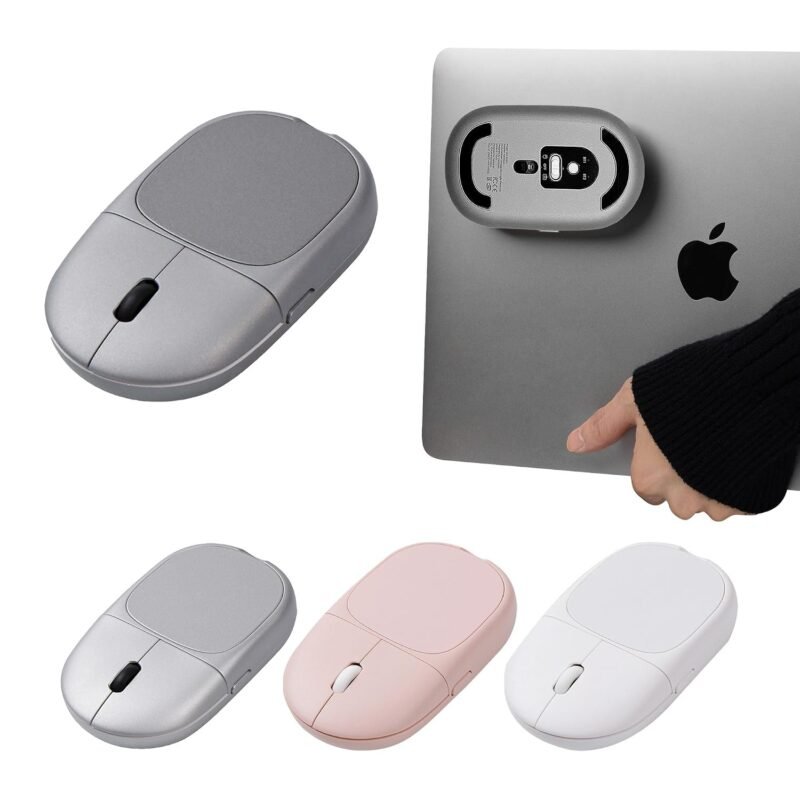
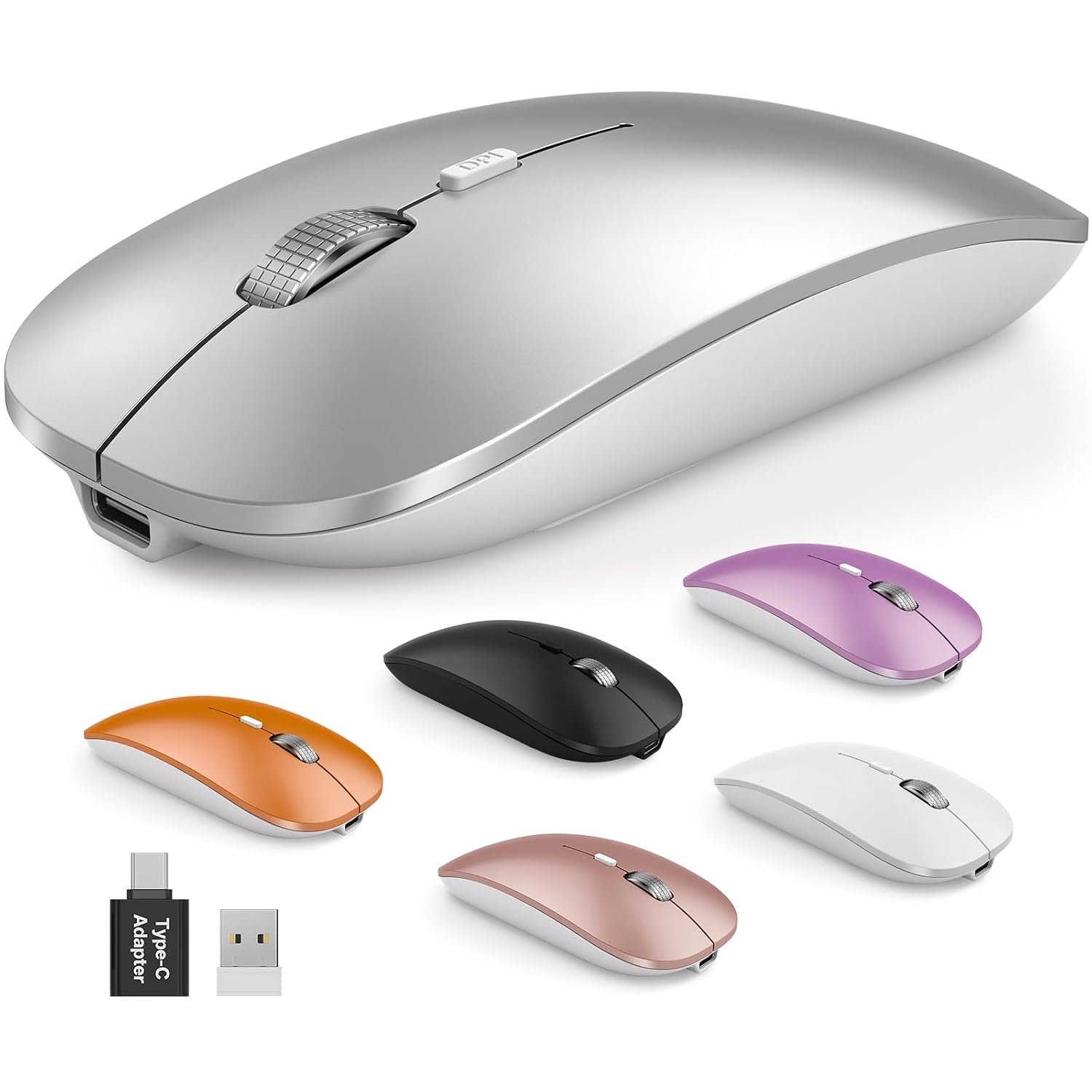
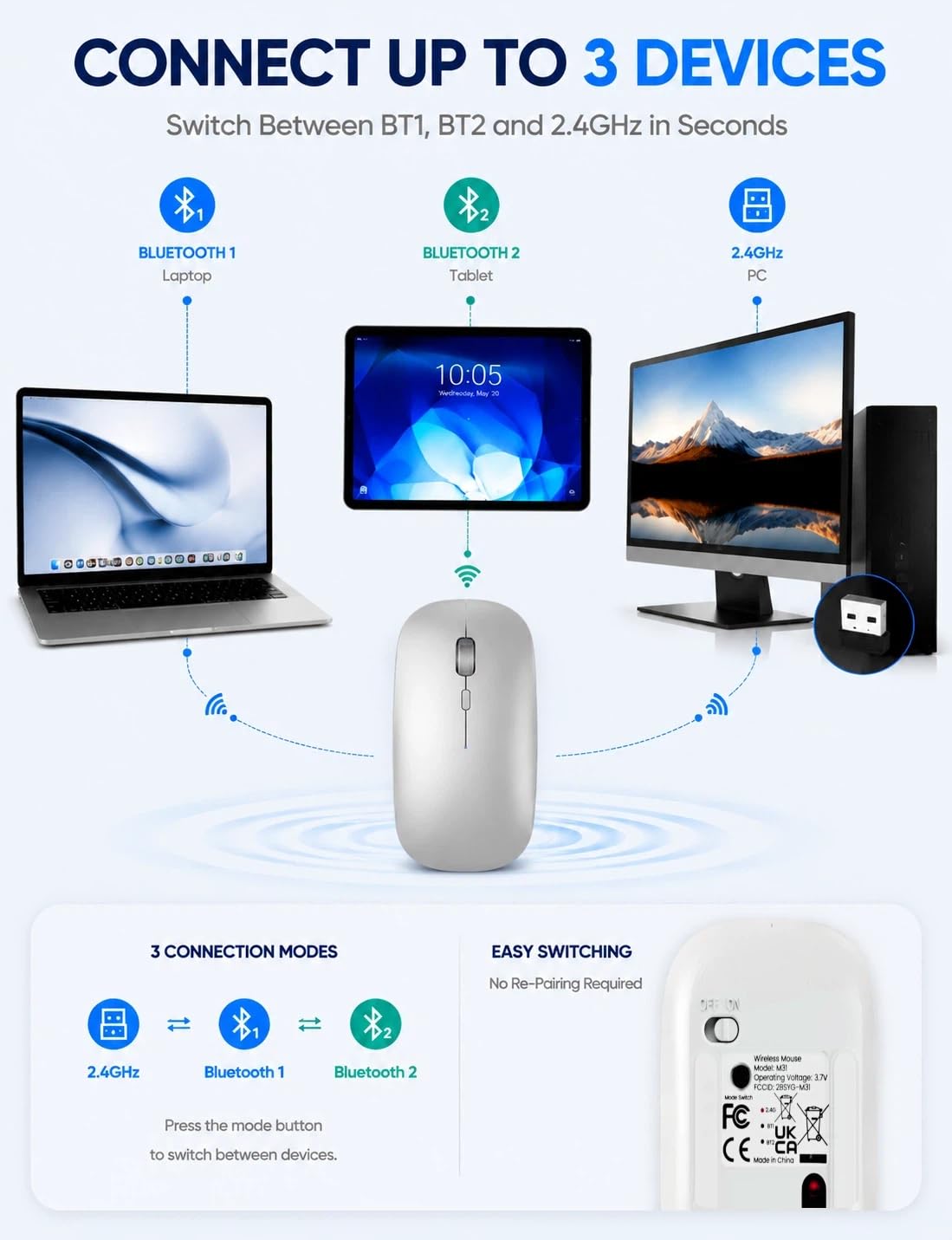
SABLUTE M31 Bluetooth Wireless Mouse for MacBook, Laptop & iPad A Slim Multi-Device Mouse for Work, Study & Travel The SABLUTE M31 Bluetooth wireless mouse combines multi-device connectivity, a slim portable design, and rechargeable USB-C convenience. Connect your MacBook, iPad, laptop, or desktop with dual Bluetooth 5.2 and 2.4GHz wireless. Designed as a wireless mouse for MacBook, laptop and iPad, the M31 makes it easy to move between devices at home, in the office, at school, or while traveling. CONNECT UP TO 3 DEVICES Connect up to 3 devices with two Bluetooth 5.2 channels and one 2.4GHz wireless connection. Switch between BT1, BT2 and 2.4GHz in seconds without repeatedly reconnecting your devices. Compatible with: MacBook Air and MacBook Pro iPad and compatible tablets Windows laptops and PCs Desktop computers Chromebook devices Whether you need a mouse for MacBook Air, a Bluetooth mouse for iPad, or a wireless mouse for laptop use, the M31 provides flexible connection options. The included 2.4GHz USB receiver and USB-C adapter support devices with USB-A and USB-C ports. RECHARGEABLE USB-C – CHARGE WHILE USING The M31 rechargeable wireless mouse features a front-facing USB-C charging port, so you can continue using the mouse while it charges. A full charge takes about 2 hours and provides up to 70 hours of use, helping reduce charging interruptions during work, study, and travel. The M31 also includes 2-year replacement support for added product support after purchase. SLIM, LIGHTWEIGHT & PORTABLE With a slim 1.1-inch profile and lightweight 60g design, this portable wireless mouse fits easily into laptop sleeves, backpacks, and tech pouches. Its compact profile makes it convenient for: Business travel College and campus use Home offices Coffee shops Everyday laptop use Pair the M31 with your MacBook, iPad, or laptop without adding unnecessary bulk to your bag or workspace. QUIET CLICKS FOR SHARED SPACES The M31 quiet wireless mouse uses a quieter click design to help reduce distracting click noise in libraries, classrooms, offices, cafés, and shared workspaces. It is designed for everyday browsing, documents, studying, and office tasks where quieter operation is preferred. 3 ADJUSTABLE DPI MODES Switch between three cursor sensitivity levels with one click: 1200 DPI – Everyday work 1600 DPI – Browsing and documents 2000 DPI – Faster, more precise cursor movement Choose the setting that works best for your laptop, MacBook, desktop, or tablet setup. PRODUCT SPECIFICATIONS Connection: Bluetooth 5.2 × 2 + 2.4GHz Wireless Device Support: Up to 3 Devices DPI: 1200 / 1600 / 2000 Charging: Front USB-C Rechargeable Full Charge: Approx. 2 Hours Battery Life: Up to 70 Hours Weight: Approx. 60g Thickness: Approx. 1.1 Inches Compatibility: macOS, iPadOS, Windows, ChromeOS Included: USB Receiver + USB-C Adapter Support: 2-Year Replacement Support FREQUENTLY ASKED QUESTIONS Q: Can the M31 wireless mouse connect to 3 devices? A: Yes. Connect two devices through Bluetooth 5.2 and one through the 2.4GHz USB receiver. Switch between BT1, BT2 and 2.4GHz as needed. Q: Can I use this mouse with a MacBook Air or MacBook Pro? A: Yes. The M31 can connect to compatible MacBook Air and MacBook Pro models through Bluetooth, or through the included USB receiver and USB-C adapter. Q: Is the M31 compatible with iPad? A: Yes. The M31 works with compatible iPadOS devices through Bluetooth and also supports macOS, Windows, and ChromeOS. Q: Does this wireless mouse include a USB receiver? A: Yes. A 2.4GHz USB receiver and USB-C adapter are included for compatible USB-A and USB-C devices. Q: Can I use the rechargeable mouse while charging? A: Yes. The front USB-C charging port allows the mouse to remain in use while charging. Q: How long does the M31 take to charge? A: A full charge takes about 2 hours and provides up to 70 hours of use. Actual battery life may vary depending on usage conditions. Q: Is this a quiet mouse for office or study use? A: The M31 features a quieter click design to help reduce distracting click noise in offices, libraries, classrooms, and other shared spaces.
【Connect Up to 3 Devices】This Bluetooth wireless mouse connects up to 3 devices with dual Bluetooth 5.2 and 2.4GHz wireless. Switch between BT1, BT2 and 2.4GHz in seconds across your MacBook, iPad and laptop.
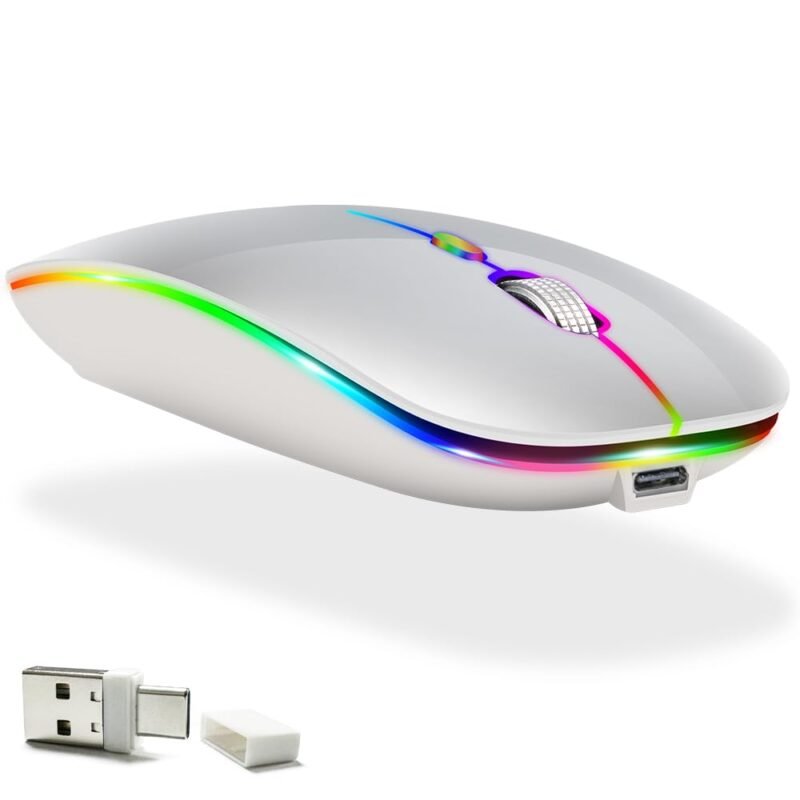
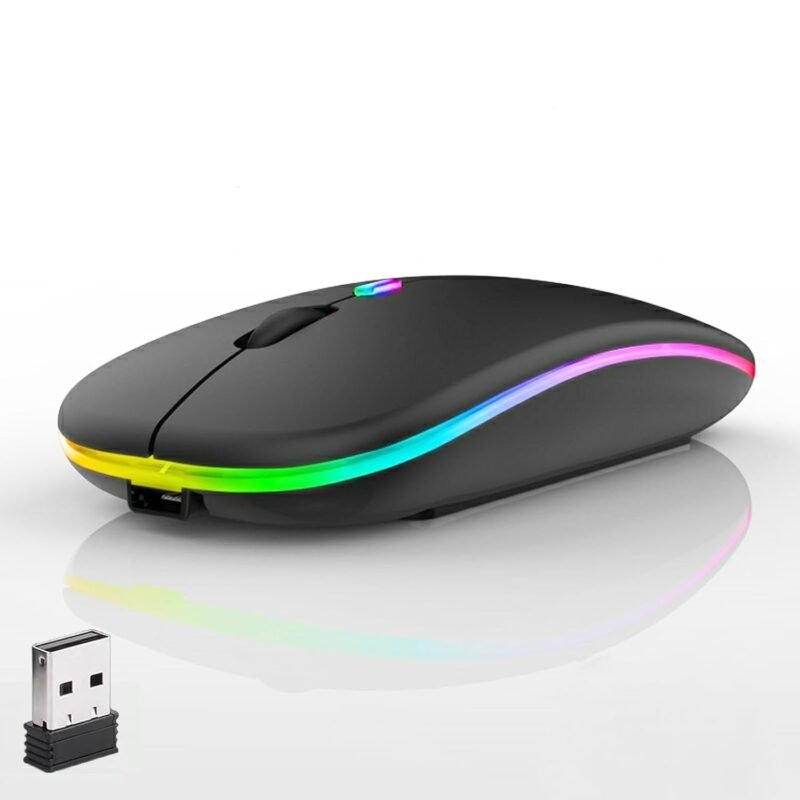
【Rechargeable USB C – Charge While Using】This rechargeable wireless mouse fully charges in about 2 hours for up to 70 hours of use. The front USB C port lets you keep using the mouse while charging. Includes 2-year replacement support.
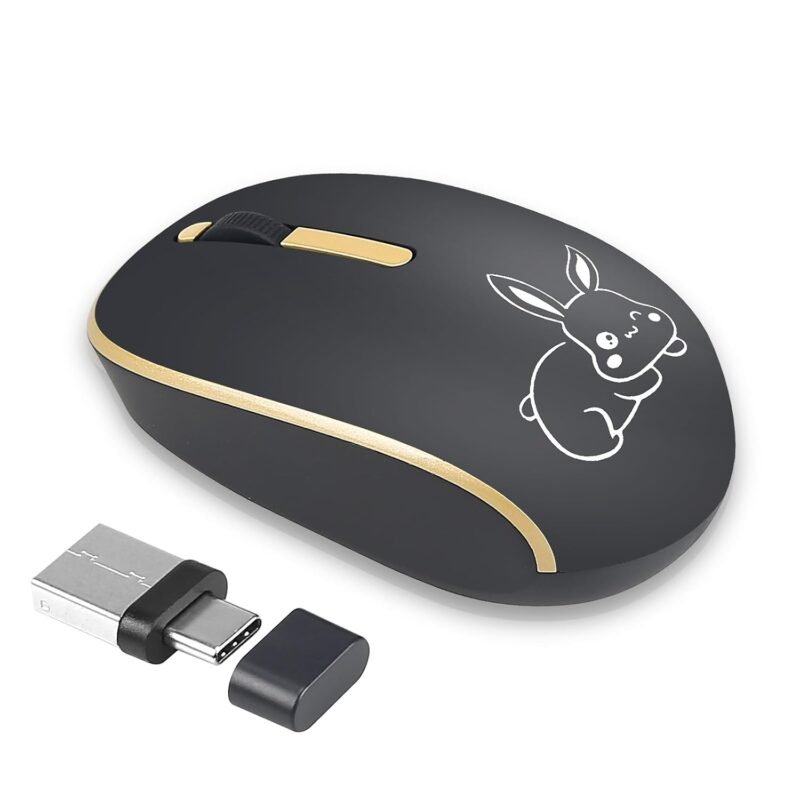
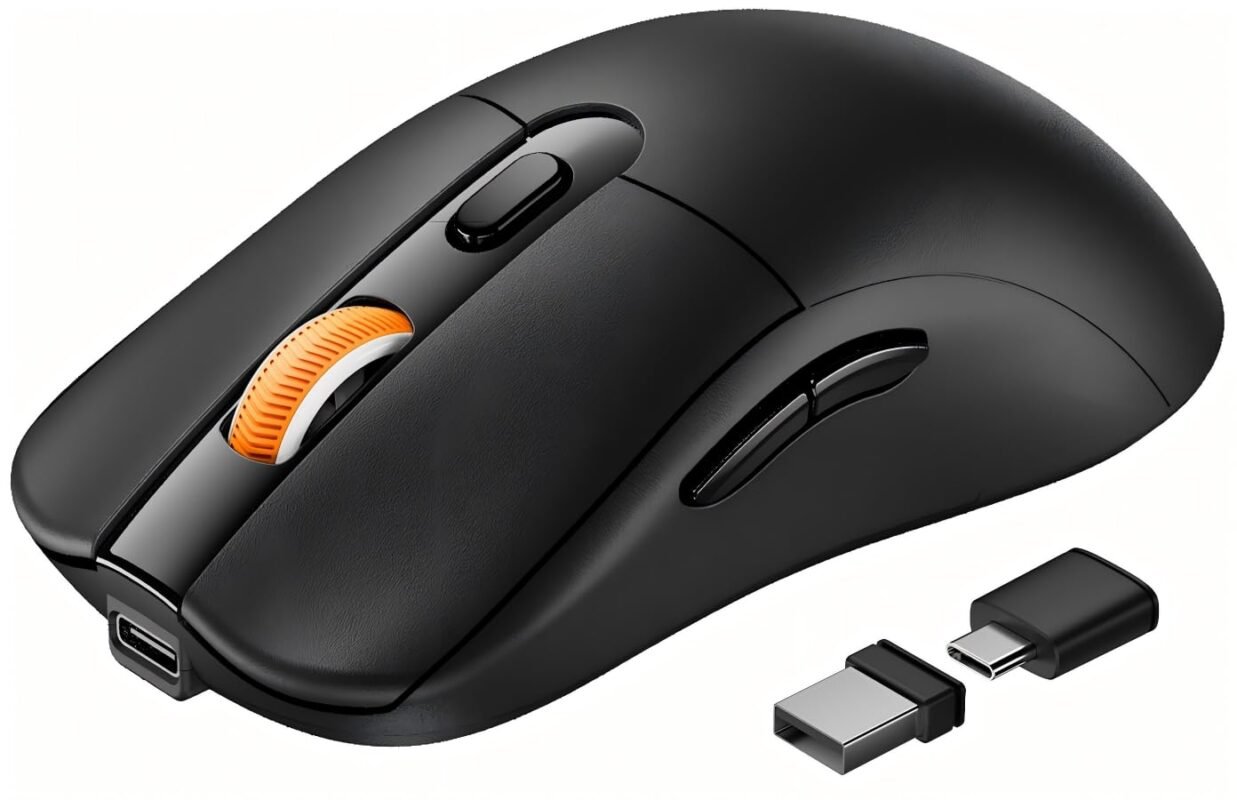
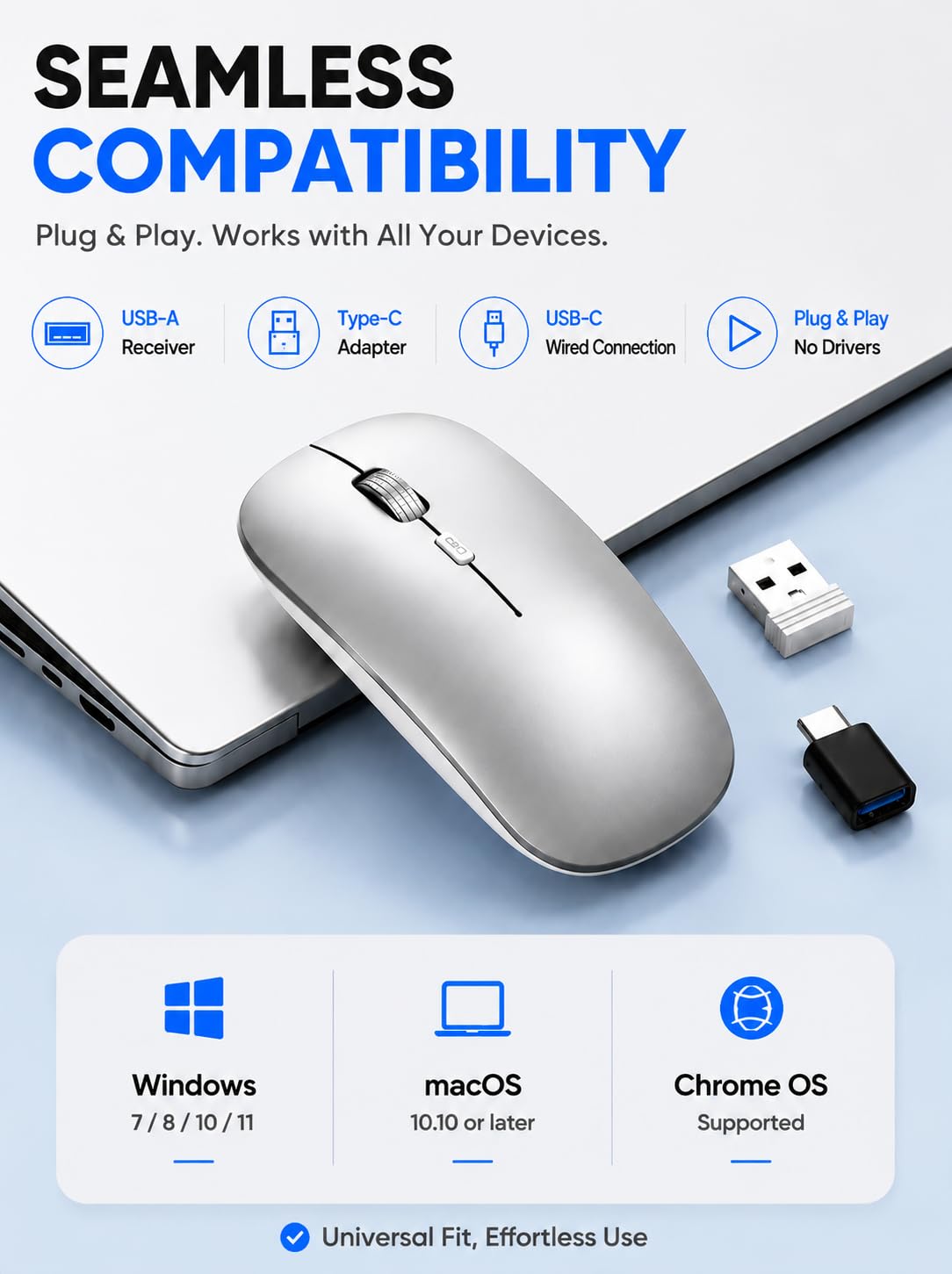
【Wireless Mouse for MacBook Air/Pro, iPad & Laptop】This Bluetooth mouse works with macOS, iPadOS, Windows and ChromeOS. Includes a USB receiver and USB C adapter for MacBook Air/Pro, iPad, laptops and desktops.
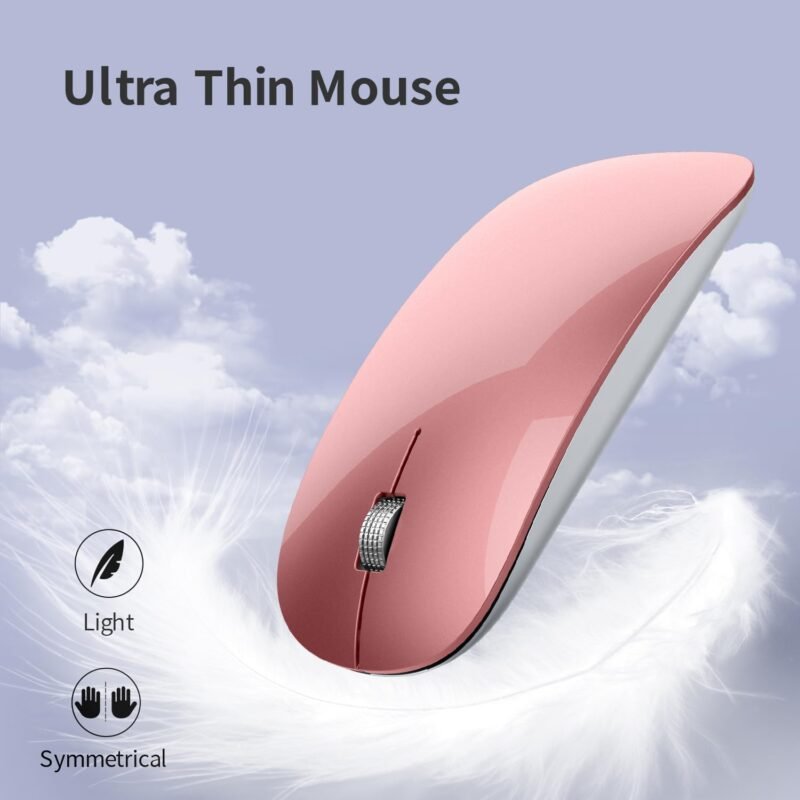
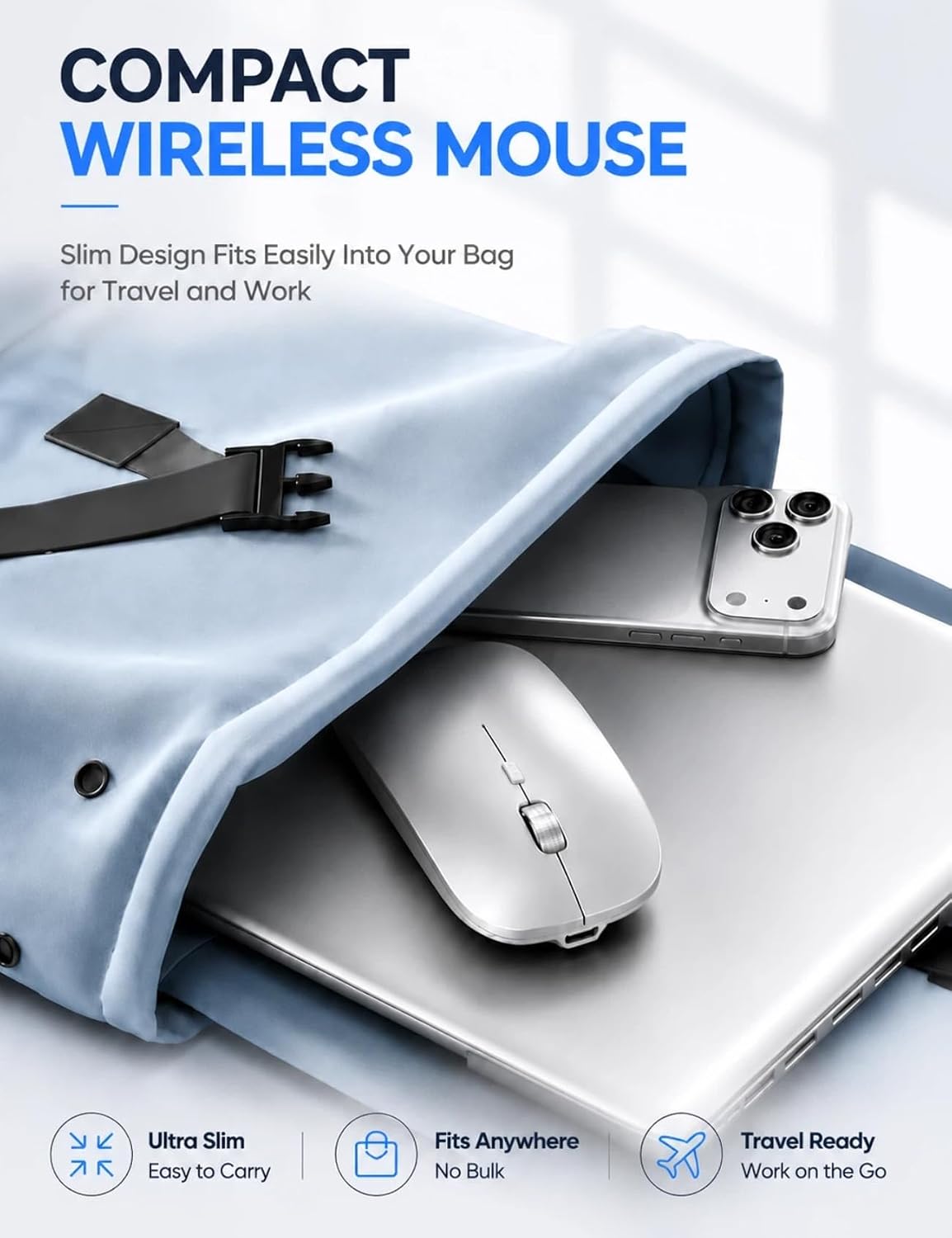
【Slim, Lightweight and Travel Ready】With a slim 1.1-inch profile and lightweight 60g design, this portable wireless mouse fits easily into laptop sleeves, backpacks and travel bags for work, school and travel.
【Quiet Mouse with 3 DPI Modes】This quiet computer mouse offers 1200, 1600 and 2000 DPI. Switch sensitivity with one click for work, browsing and precise cursor control.